Inventory

Collaborative inventory counting, built for teams

Start a session, split the work across your team, and get an accurate count — faster than ever. No clipboards, no spreadsheets, no waiting for one person to finish.

Start a session with one tap

Kick off an inventory count whenever you need one. Rinvy enforces a single active session per restaurant — so your team always knows which count is current and there's no confusion from overlapping sessions.

  • One active session per restaurant, enforced by the server
  • See when your last count happened at a glance
  • No accidental duplicates or conflicting counts
Inventory
Superdog Kitchen
No active session
Start Inventory Session
One active session per restaurant

Last session: 3 days ago · 247 products counted

Count category by category

Work through your storage areas one at a time — Freezer, Walk-In, Dry Storage, or whatever categories match your kitchen's layout. You define the categories, so the workflow fits how your team actually organizes and counts.

  • Organize products by storage location
  • Track completion progress in real time
  • Skip or revisit categories as needed
Session Progress
Categories2/5 complete
Freezer42/42
Refrigerator38/38
Dry Storage31/56
Produce0/28
Bar0/22

Handle cases and individual items

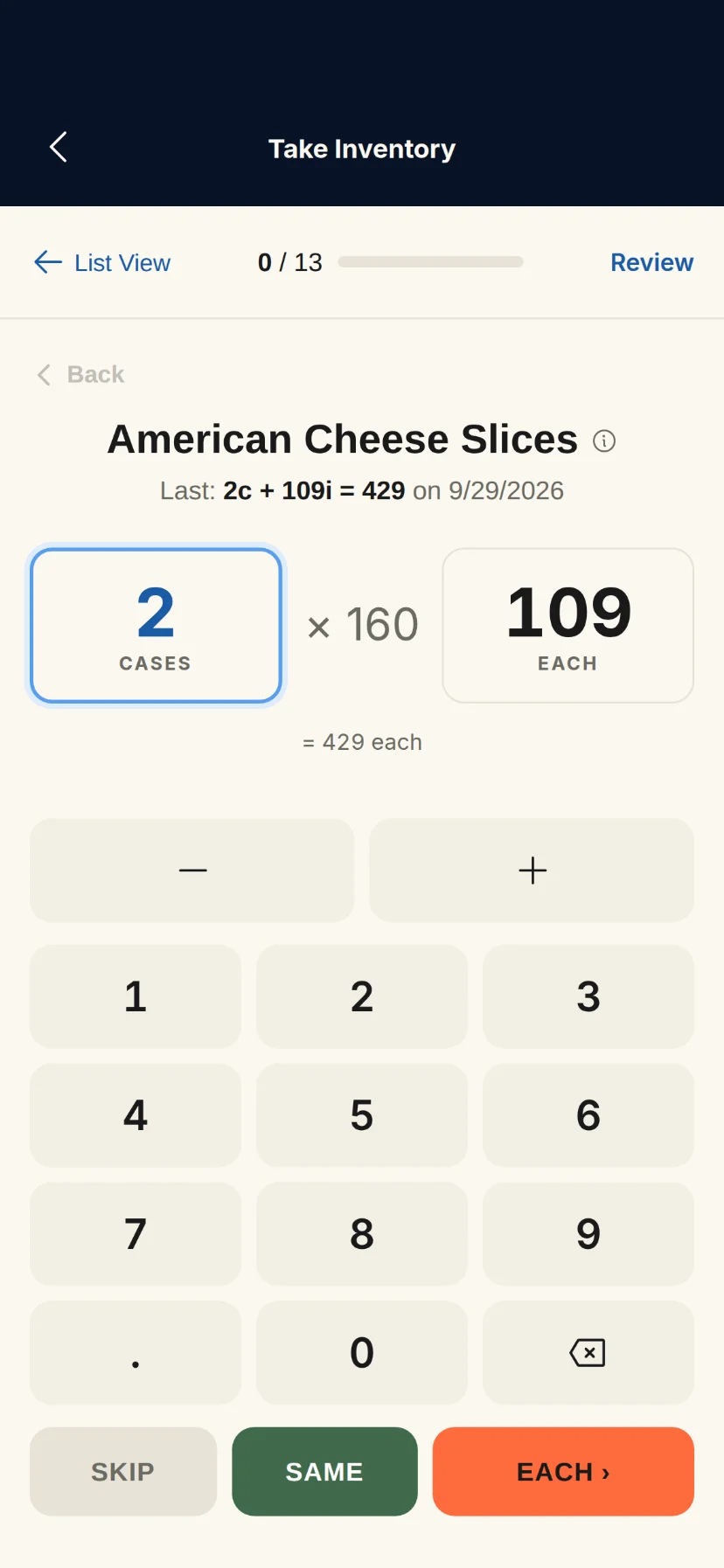
Products that come in cases get dual inputs — enter the number of full cases and loose items separately. Rinvy calculates the total automatically. Products without case sizes just use a simple quantity field.

  • Dual input for case-packed products
  • Automatic total calculation
  • Simple single input for non-cased products
Freezer
Burger Patties
6 oz patties · Case of 40
40 / case
Cases
3
+
Items
12
=
Total
132
Frozen Fries
5 lb bags
Quantity
5
Hot Dog Franks
8-packs · Case of 6
6 / case
Cases
1
+
Items
4
=
Total
10

Count together, in real time

Your whole team can count simultaneously. One person handles the freezer while another counts dry storage — everyone contributes to the same session. Live progress updates show who's counting what, and the session total updates as everyone works.

  • Multiple team members count at the same time
  • See who's counting which category
  • Progress aggregates automatically across all counters
Live Session
Active counters● Live
MS
Maria S.
Completed Freezer · 42/42
Done
JK
James K.
Counting Dry Storage · 31/56
AR
Alex R.
Counting Produce · 12/28

3 team members counting · 85 of 186 products complete

Never miss a low stock item

After your count is complete, Rinvy automatically flags every product that's dropped below its minimum stock level. Low stock alerts appear right on the dashboard and get sent as push notifications to your team — so the right people know immediately, even if they weren't part of the count.

  • Push notifications sent to all team members
  • Dashboard alerts with urgency indicators
  • Configurable minimum stock threshold per product
Dashboard
📦
Rinvy · Low Stock Alert
3 items below minimum at Superdog Kitchen
now
Low Stock Alerts
Chicken Breast
2 of 10 min
Critical
Heavy Cream
3 of 8 min
Critical
Burger Buns
12 of 24 min
Low

Keep tabs on what matters most

Pin your highest-priority products to the dashboard. Highlighted products show current stock levels against par with visual progress bars and trend indicators — so you always know where you stand on the items that matter most, without digging through the full inventory.

  • Customizable product highlights per restaurant
  • Stock-to-par progress bars at a glance
  • Every completed session becomes permanent, auditable history
Dashboard
Highlighted ProductsCustomize
Ribeye Steak
18/ 24
Salmon Fillet
14/ 16
Chicken Breast
2/ 10
Burger Buns
20/ 24

Ready to simplify your kitchen operations?

Get started in minutes. No demo required, no contracts, cancel anytime.